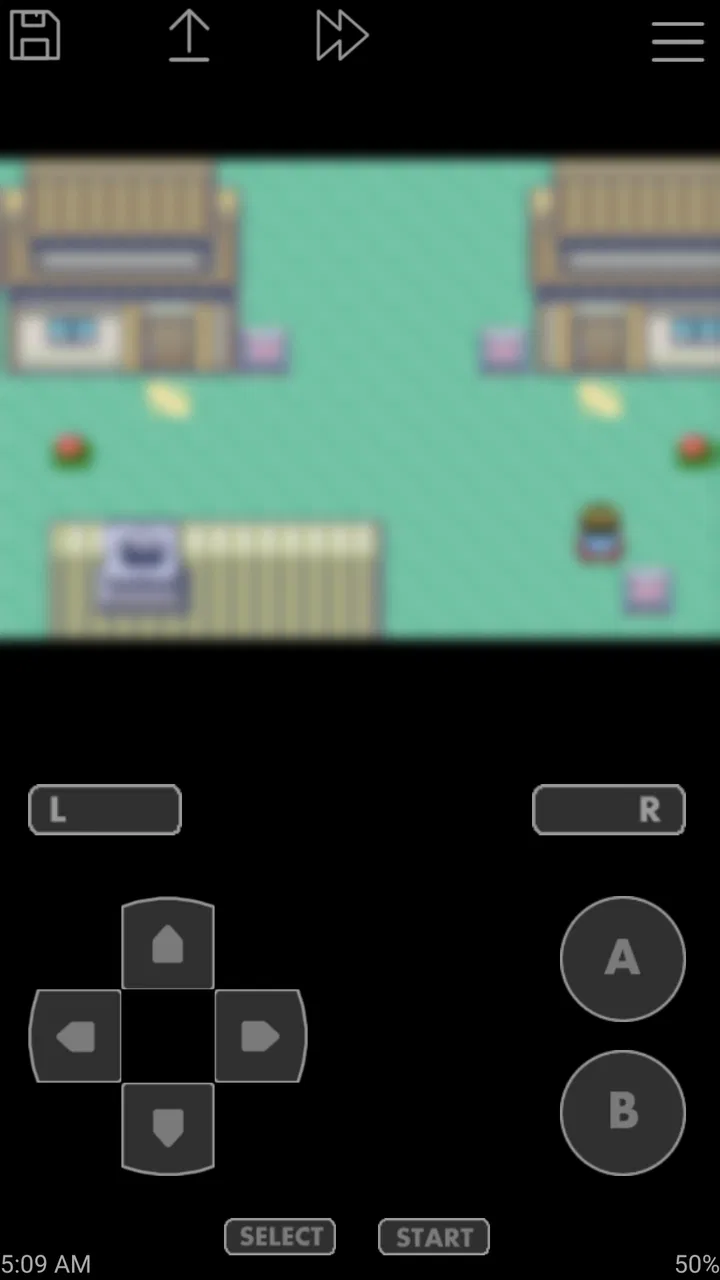
John GBA
- 3.4
- Rating
- 500.00K
- Installs
- $2.99
- Price

 Analysis by App-foxy
I approached John GBA as a practical decision rather than simply another retro download. It is an arcade-oriented game app from John emulators, built to play Game Boy Advance software through emulation. The appeal is easy to understand: instead of carrying older hardware, I can keep a compact GBA player on a modern Android device and return to games I already own or have legally obtained. The question is whether this particular emulator suits the way you play, because convenience, controls, game ownership, and the limits of phone screens all matter more than a short store description suggests.
My overall impression is that it is focused and approachable. It does not ask me to learn a complicated front end before I can begin. That simplicity is its strongest quality, especially for someone who wants a straightforward way to revisit handheld games. At the same time, paying for an emulator means I expect dependable everyday use, sensible controls, and enough flexibility to justify choosing it over a free alternative. I would recommend it to a specific kind of player, not automatically to everyone interested in retro gaming.
What to consider before choosing a GBA emulator
The first decision is not really about graphics or nostalgia. It is about your library and your habits. If your interest is specifically Game Boy Advance, a dedicated emulator can feel cleaner than a multi-system application filled with menus for consoles you never use. If you regularly move between several older platforms, however, a broader emulator may be more convenient because it keeps your games and settings in one place. I found that the narrower focus of this app is useful when I want a GBA session without sorting through unrelated systems.
You May Also Like

 Blood Strike: 2.5 Anniversary
Blood Strike’s Loadouts Turn Every Drop Into a Tactical Gamble
A close look at Blood Strike’s custom loadouts: how fast access to signature weapons reshapes its battle royale rhythm, rewards preparation, and narrows the gap between fights.

 Pandora - Music & Podcasts
Pandora’s Music Is Easy to Start, but Harder to Recover
Pandora’s strength is its low-effort path from a seed to a station. Its weak spot is how much confidence it asks you to place in connection, setup, and quiet recovery.

 8 Ball Pool
8 Ball Pool Is Built on Rivalries, Rematches, and Routine
A close look at the rivalries, rematches, shared routines, and unanswered safety questions that turn a quick pool match into a persistent mobile community.

 Samsung Music
Samsung Music’s Quiet Strength Is Playing What You Already Own
Its reach comes less from spectacle than from dependable access to a personal library. That simplicity is both the app’s strongest retention engine and its ceiling.

 AccuWeather: Weather Radar
AccuWeather Review: A Quick, Clear Forecast for Everyday Decisions
For everyday plans, the best forecast is the one you can understand quickly. AccuWeather makes rain timing, radar, and local conditions easy to act on, with a few trade-offs.

 Hill Climb Racing
Why Hill Climb Racing Still Turns Crashes Into One More Run
A tiny car, a bumpy hill and one more upgrade: Hill Climb Racing keeps resurfacing because its simple chaos makes every near-miss feel personal.
More From Our News Desk



Controls are equally important. A touch screen can work well for turn-based adventures, puzzle games, and slower platforming, but it is less comfortable for games that demand repeated, precise button presses. The phone itself also changes the experience. A small display leaves less room for virtual controls, while a larger handset makes the layout easier to read but can become awkward to hold for a long session. A Bluetooth controller can improve the experience considerably, although that depends on the controller you already have and the way your device handles it.
There is also a legal and practical responsibility that should be clear before installation. An emulator is a player, not a source of games. I would use it with game files I have the right to use, rather than treating the app as a shortcut to downloading copyrighted software. That distinction affects whether the app is useful on day one: people with no legally accessible GBA library may find the setup less immediate than the store wording implies.
Compatibility is another reason to test before committing to a full library. An emulator can handle many familiar titles well while still having occasional issues with a particular game, save behavior, or controller arrangement. I would begin with one or two games I know thoroughly, play long enough to test saving and loading, and only then move a larger collection across. That small trial prevents a frustrating surprise after investing time in organizing everything.
A simple setup that avoids common frustration
I would start by creating one clearly named folder for legally obtained game files and another for save data if the device allows that kind of organization. Keeping the library tidy makes changing phones or restoring a game less stressful. It also avoids the common mistake of scattering duplicate files across downloads, messaging apps, and temporary folders. The app is easiest to enjoy when the emulator is the simple part of the process.
For a first session, I would choose a game with a forgiving opening section rather than a difficult action title. That gives me time to judge the virtual buttons, screen position, and whether the phone feels comfortable in landscape or portrait orientation. I would also test a normal save and a later reload before becoming deeply invested. This is a small but valuable habit with any emulator: it checks the complete routine, not just whether the game launches.
One useful trade-off is screen space. Enlarging the game image makes small text easier to read, but a larger image can leave the touch controls competing with the action. Shrinking the play area may feel less impressive, yet it can make thumb placement more predictable. I prefer adjusting for the genre instead of keeping one layout for everything. A menu-heavy role-playing game and a fast platformer do not benefit from exactly the same arrangement.
Where John GBA feels strongest
The biggest win is focus. Because this is a GBA emulator rather than a general retro hub, I can approach it with a clear purpose: load a handheld game and play. That matters when I want to revisit a short session during a commute, wait, or quiet evening. I do not need the experience to feel like a museum of every old console. I need the GBA layer to be accessible, and this app’s identity is built around that single system.
The straightforward nature also makes it a reasonable entry point for someone who has never used emulation. A newcomer may be more comfortable with an app dedicated to one platform than with a large catalog of technical options. I would still expect a little learning around game files and controls, but the mental load is lower when the purpose is obvious. For a friend asking me how to replay a favorite GBA title on Android, this is the kind of focused option I would discuss first.
Its longevity is worth noting too. The app was released on February 2, 2013, and the current version is v4.15. That history suggests an established product rather than a brand-new experiment, while the version number gives me a clear indication that it has continued to evolve. I would not treat age alone as proof that every game works perfectly, but a long-running emulator can be reassuring for people who prefer a known, dedicated tool over an untested newcomer.
The audience is broad in age terms as well. Its content rating is Everyone, which makes the app itself accessible to a wide range of users. That does not determine the content of every game loaded into it, so parents should still consider the individual titles being played. For the emulator as a utility, though, the rating fits its uncomplicated presentation.
Another advantage is that I can make the experience match the game. A slow adventure can be played comfortably with touch controls, while a controller can be reserved for action-heavy sessions. That flexibility is more meaningful than a long list of features because it changes whether I actually want to play. An emulator that launches quickly but feels uncomfortable will remain unused; one that fits the game and the device can become a reliable part of a retro routine.
Everyday use: a realistic short-session example
Imagine having fifteen minutes before an appointment. I would open the app, select a familiar GBA game, and continue from a normal save instead of beginning a long setup process. A compact session like that is where a dedicated emulator earns its place: it turns an otherwise empty wait into a small, self-contained gaming break. The same workflow works at home when I want a handheld-style experience without unpacking older hardware or changing the television input.
For longer sessions, my expectations change. I would use a stand or controller, lower the screen brightness to a comfortable level, and avoid relying on touch controls for a demanding game if my hands began covering the action. The phone is convenient, but it is not automatically a perfect replacement for the original handheld. The display, grip, battery use, and button feel all shape the result. John GBA can make the software available; it cannot make every phone feel like a GBA.
Where another category of emulator may fit better
A multi-system emulator may be the better choice if your collection includes GBA games alongside other classic platforms. Its main benefit is consolidation: one app, one general workflow, and fewer changes when you move from one console family to another. The cost is that the interface may feel busier, and platform-specific settings can become less approachable. I would choose that category when variety matters more than a clean GBA-only experience.
A free GBA emulator may also be more suitable for someone who is still experimenting. If you are unsure whether you will play more than one game, paying for a dedicated app before testing your interest may feel unnecessary. Free alternatives can lower the entry barrier, though the experience may vary from one app to another. I would compare them carefully rather than assuming free means worse or paid means perfect. The right question is whether the app you choose handles your own games comfortably and reliably.
Original hardware remains the strongest alternative for players who care about authentic buttons, physical cartridges, or collecting. A real handheld offers a different kind of ownership and tactile connection. It is less convenient for quick phone-based sessions, and carrying older hardware is not as effortless as opening an app. I see John GBA as a convenience choice, not a full replacement for the emotional and physical appeal of an original system.
Cloud or streaming approaches belong to another category entirely and may suit people who already use a larger gaming setup. They can be convenient when a library is already organized elsewhere, but they depend on a different relationship with the device and the game collection. For a self-contained handheld-style session, local emulation is the more natural fit. For someone who wants every game available from one modern ecosystem, a broader solution may be easier.
The cost of switching and what the price changes
John GBA costs $2.99. That is not a large purchase, but it still changes the decision because free choices exist in this category. I would pay it when I value a focused app, want to avoid advertising-driven interfaces, or already know that GBA is the system I will use. I would hesitate if I am only curious about emulation and have not yet tested whether touch controls suit me.
The real switching cost is not just the purchase. It is the time spent locating game files, learning the control layout, arranging saves, and deciding whether to stay with the app. If you later move to another emulator, you may need to repeat parts of that organization process. My practical advice is to avoid migrating your entire library immediately. Start with a small selection, confirm that the games and saves behave as expected, and then expand. That approach keeps the financial decision small and the technical risk manageable.
With over 500 thousand installs, the app has clearly reached a substantial Android audience. It also holds a 3.4 average from around fifteen thousand ratings, alongside roughly one thousand six hundred written reviews. I read that combination as a reason to keep expectations balanced: there is enough adoption to make it a recognizable option, but the score does not suggest universal satisfaction. I would treat it as a focused tool worth testing against my own phone and games, not as an automatic recommendation based on popularity.
Device support matters before buying. The listed minimum operating system is Android 6.0, so anyone on an older phone should not plan around it. On a compatible device, I would still check the practical details that affect play: available storage, touch-screen size, controller comfort, and whether the phone can remain cool during longer sessions. Those factors are personal, and no store rating can replace a short hands-on test.
Who should choose it, and who should skip it
I think it is a good match for an Android user with a legally obtained GBA collection who wants a dedicated, uncomplicated way to play. It is especially appealing if your favorite games are slower or menu-driven, if you value quick access over a large multi-console library, and if you are comfortable adjusting controls to suit each title. The app’s focused identity makes sense for that person.
I would skip it if your main goal is to emulate several different systems in one place, if you require the tactile feel of original buttons, or if you are not prepared to manage your own game files. I would also be cautious for a player whose favorite games demand highly precise action and who does not own a comfortable controller. Touch controls can be serviceable, but they should not be mistaken for a universal substitute for physical input.
Parents should make a separate decision about the games themselves. The app is rated Everyone, but that rating describes the application rather than changing the content of imported titles. I would review the games a child will access and, where appropriate, set clear boundaries around downloads and play time. The emulator is only the container; the individual game remains the important content choice.
My recommendation after weighing the trade-offs
My recommendation is conditional but positive: choose John GBA if you specifically want a GBA emulator and prefer a focused Android app over a broad retro platform. Its long presence, dedicated purpose, and approachable use make it a sensible option for returning to a personal handheld library. I would buy it after a small compatibility check in my own routine, especially because the paid price deserves a little more confidence than a casual free download.
I would not describe it as the best answer for every retro player. A multi-system emulator is more efficient for a mixed collection, free software is easier for someone merely testing the idea, and original hardware remains superior for authentic controls and collecting. Those alternatives are not failures of John GBA; they simply serve different priorities. The decision comes down to whether you want focused GBA convenience more than breadth or authenticity.
For me, the clearest reason to recommend it is that it keeps the purpose simple: bring a GBA session to an Android phone without turning the experience into a complicated retro-management project. The clearest reason to be cautious is that the phone, controls, and legally sourced game files still determine much of the experience. If your priority is an easy, dedicated way to revisit GBA games, John GBA is worth considering; if your priority is variety, physical feel, or zero-cost experimentation, another route will probably suit you better.
FAQs for John GBA
01What is John GBA, and what can I use it for?
John GBA is an Android emulator designed to run games originally released for the Game Boy Advance. After installing the app, you can load compatible game files stored on your device and play them using on-screen controls or a connected controller. It also includes practical emulator features such as save states, customizable controls, screenshots, and support for different display options.
02Does John GBA include Game Boy Advance games, or do I need to provide them?
John GBA does not normally provide copyrighted Game Boy Advance games with the application. You are expected to use game files that you legally own and have obtained from an authorized source. Before downloading anything, check the laws in your country and the app’s terms. Downloading unauthorized ROMs can create legal and security risks, especially when files come from unknown websites.
03Which devices and Android versions are compatible with John GBA?
Compatibility depends on your phone or tablet, Android version, available storage, and the specific game you want to run. John GBA is intended for Android devices, and most modern phones should handle basic emulation smoothly. Older or less powerful hardware may experience slower performance, audio issues, or control lag. Checking the Google Play listing and recent user feedback is recommended before installation.
04What features does John GBA offer for gameplay and saved progress?
John GBA provides several features that make playing classic handheld games more convenient than using original hardware. You can create regular in-game saves as well as quick save states, customize the virtual buttons, adjust the screen layout, and use external controllers on supported devices. It may also support screenshots and other playback options, although performance and feature availability can vary by device and game.
05Is John GBA free, and are there advertisements or optional purchases?
John GBA may be available in a free version, but the exact advertising model, premium options, and feature restrictions can change between releases or editions. Some versions may display advertisements or offer additional functionality through a paid upgrade. Review the current store description before downloading so you understand what is included, what permissions are requested, and whether any optional purchase is necessary for the features you want.
Pros
- Supports many Game Boy Advance titles with reliable emulation.
- Save states make it easy to pause and resume progress.
- Offers customizable on-screen controls and button layouts.
- Includes cheat support for players who want extra flexibility.
- Works offline
- making it useful without a constant internet connection.
Cons
- The free version may include ads that interrupt the experience.
- Touchscreen controls can feel less precise than physical buttons.
- Some games may require configuration to run smoothly.
- Game files are not included and must be obtained legally by users.
- The interface feels dated compared with newer emulator apps.

John GBA
Gallery